

Best AI Productivity Tools in 2026 to Save Time and Boost Efficiency
Artificial Intelligence is no longer just for tech experts—it has become a daily productivity engine for students, professionals, and business owners. In 2026, AI tools are helping automate repetitive work, reduce human error, and significantly improve output quality.
From writing and design to automation and meeting management, AI can now handle tasks that previously took hours—within minutes.
If used correctly, these tools can easily save 10–20 hours per week, making them one of the highest ROI “investments” for productivity today.
1. ChatGPT – Best for Writing, Thinking & Problem Solving


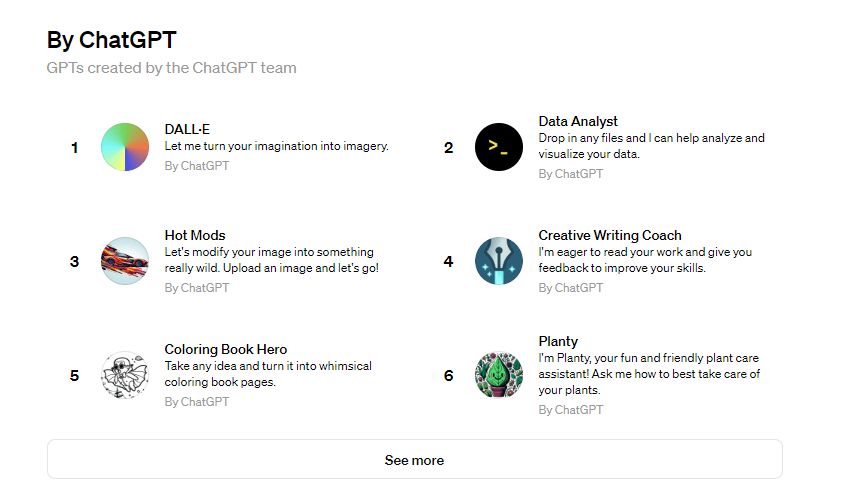
ChatGPT has evolved into a full productivity assistant that goes far beyond simple writing.
What It Can Do:
- Write blog posts, ads, and emails in seconds
- Generate structured business ideas and strategies
- Summarise long documents into key insights
- Assist with coding, debugging, and automation scripts
- Create SOPs and workflows for teams
Real-World Use Case:
A business owner can:
- Generate ad copy
- Create landing page content
- Draft WhatsApp replies
—all within minutes instead of hours.
💡 Pro Tip: Use structured prompts (e.g., “Act as a marketing strategist”) to get higher-quality output.
2. Notion AI – Best for Knowledge Management & Workflow Organisation

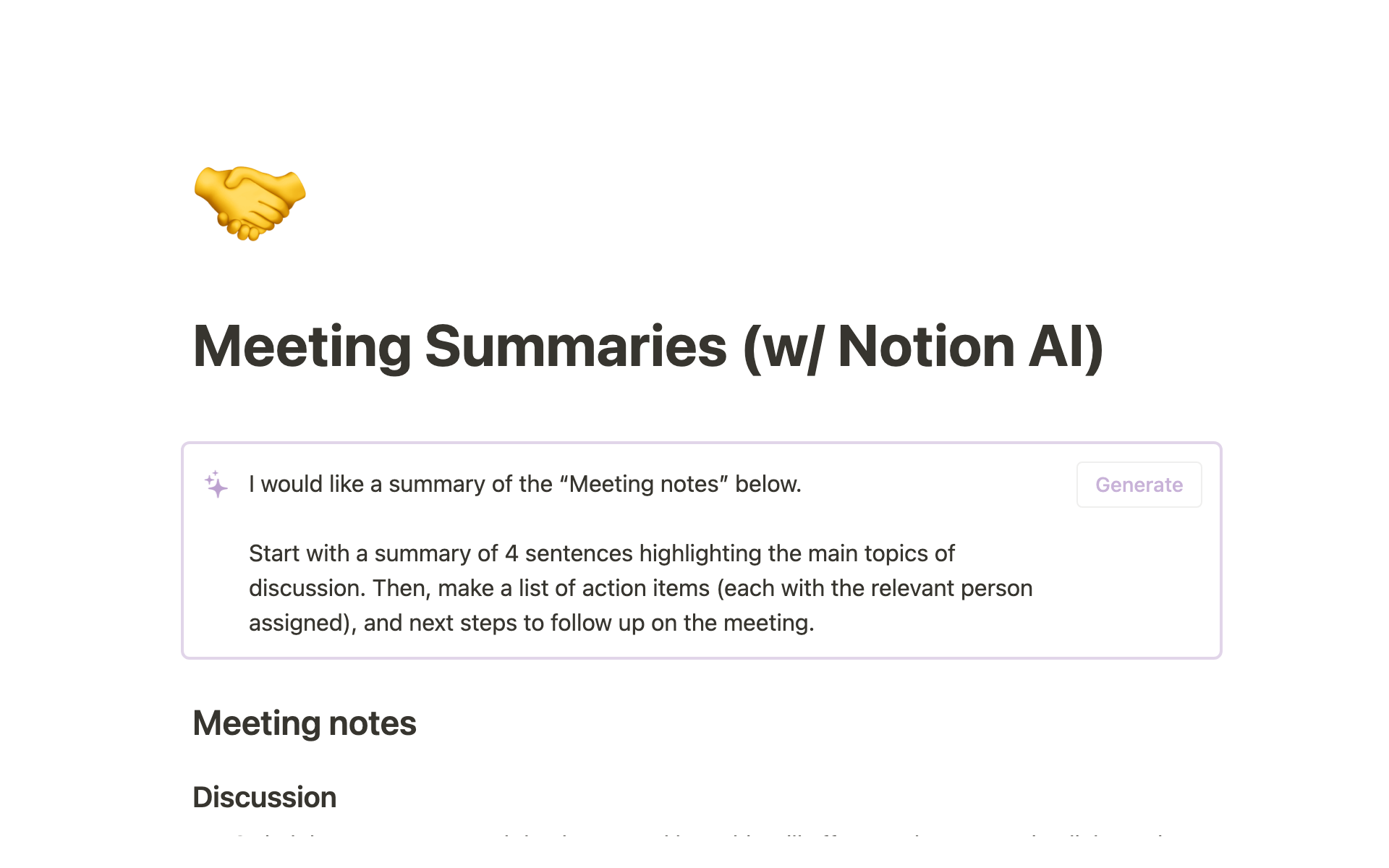
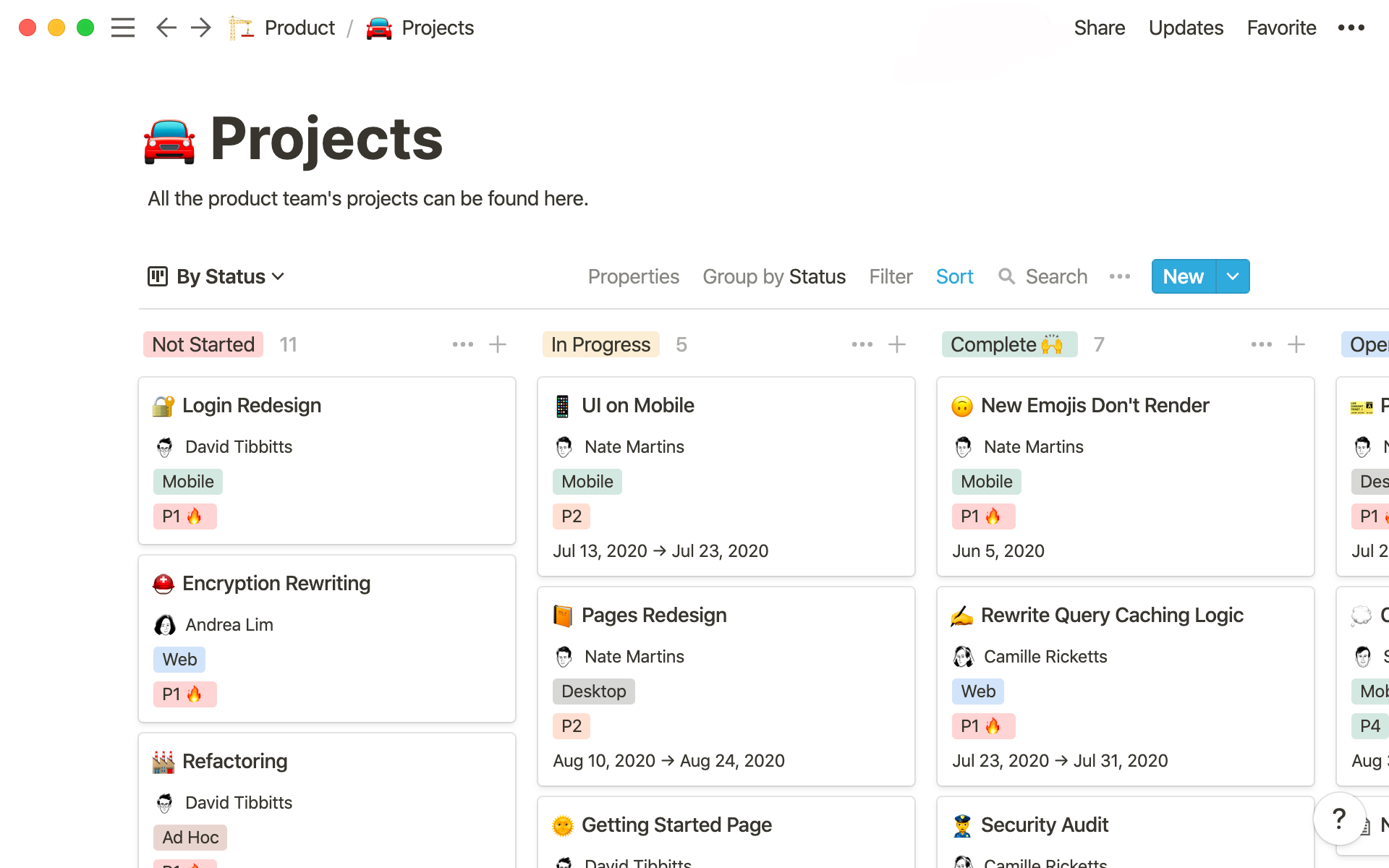
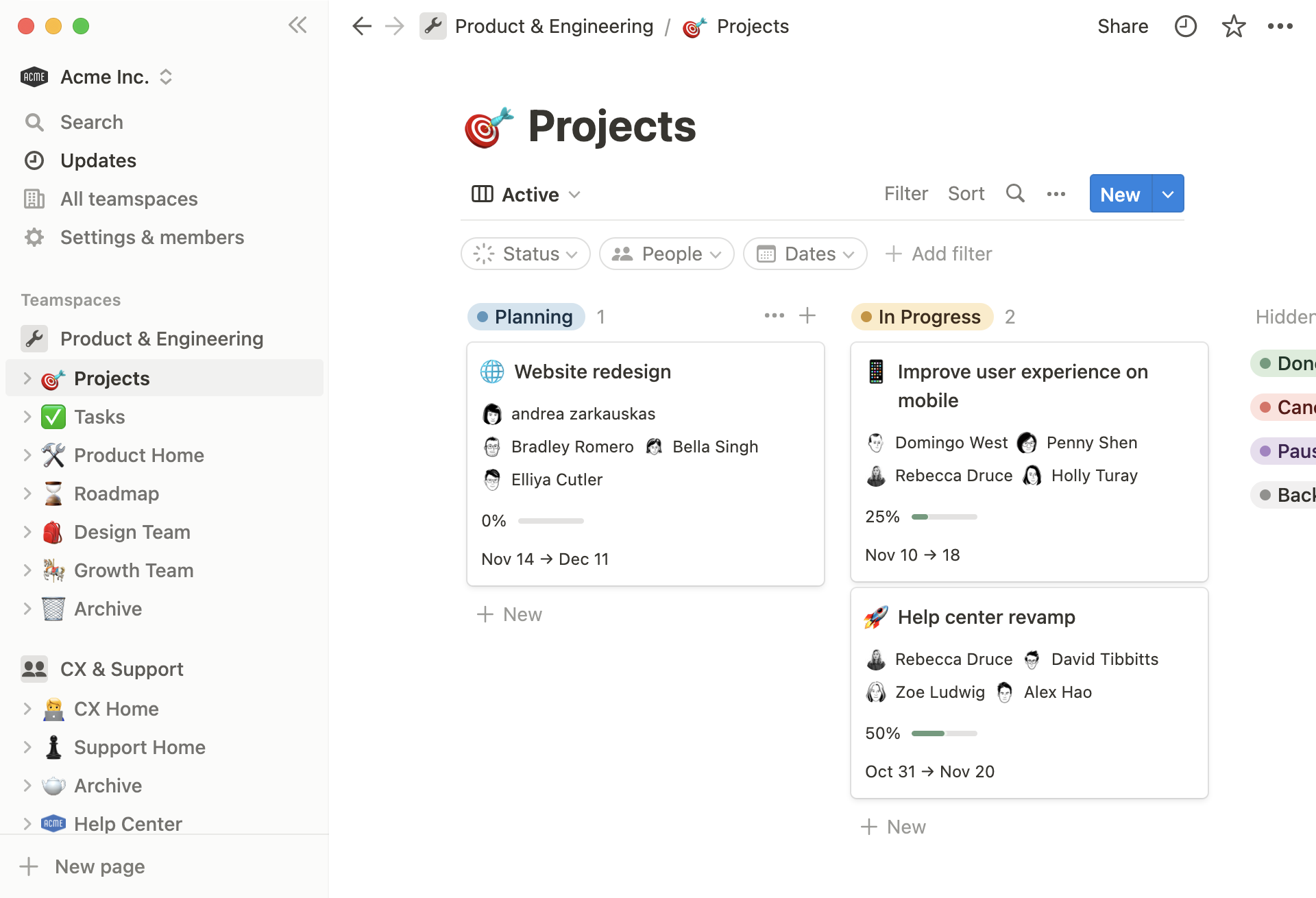
Notion AI transforms a normal workspace into an intelligent productivity hub.
Key Capabilities:
- Automatically summarises meeting notes
- Converts messy notes into structured documents
- Generates task lists from discussions
- Helps manage multiple projects in one dashboard
Why It Stands Out:
Instead of switching between apps, Notion centralises:
- Notes
- Tasks
- Databases
- AI assistance
📌 Best for: Teams, founders, and anyone managing multiple workflows simultaneously.
3. Grammarly – Best for Professional Communication
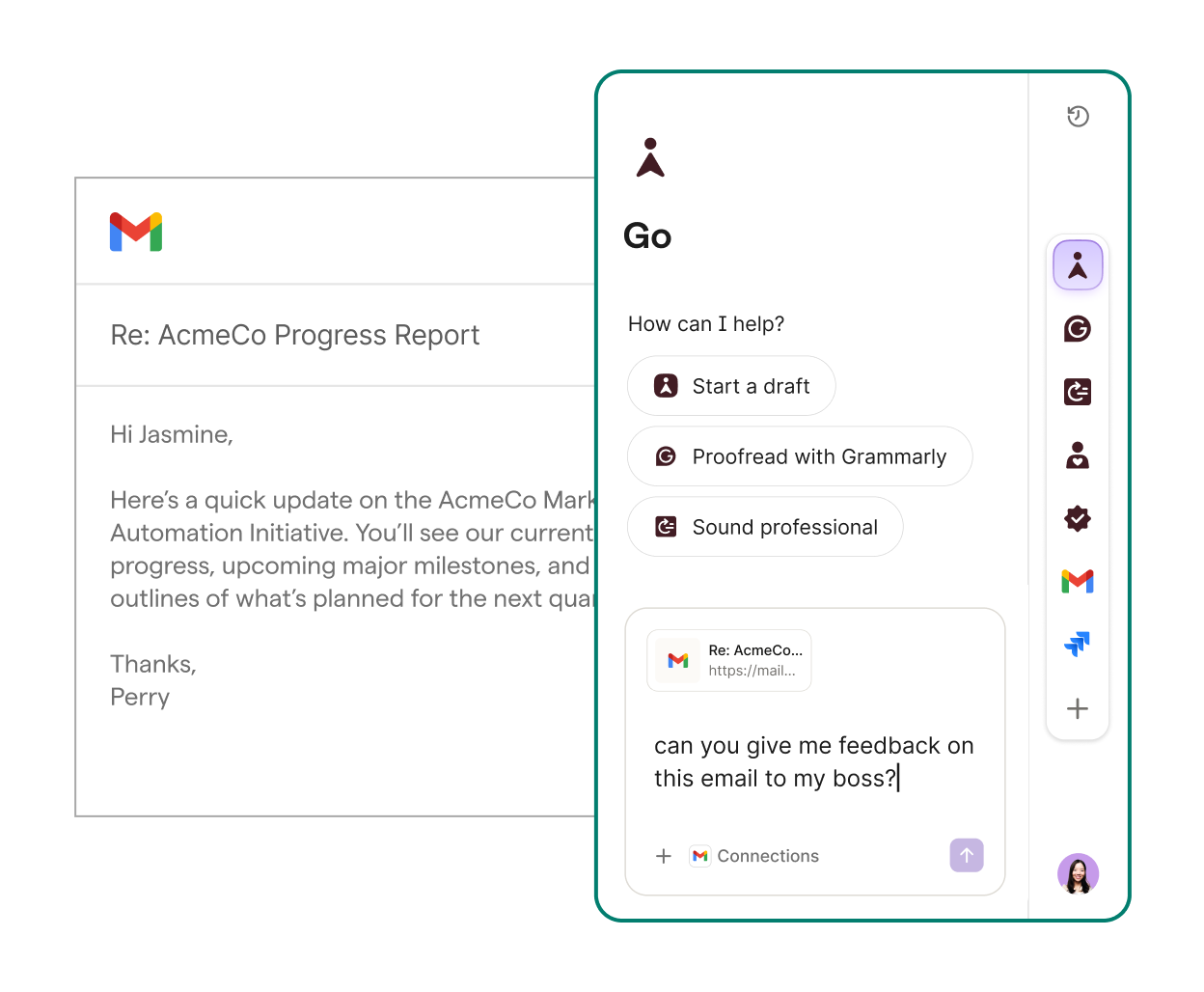

Even strong writers benefit from AI polishing—and Grammarly excels at that.
What Makes It Powerful:
- Detects grammar, spelling, and punctuation issues
- Suggests tone improvements (formal, friendly, persuasive)
- Rewrites sentences for clarity and impact
- Ensures consistency across documents
Real-World Impact:
- Better emails → higher response rates
- Cleaner proposals → more conversions
- Stronger communication → better brand image
✍️ This is especially important for client-facing businesses.
4. Otter.ai – Best for Meetings & Documentation


Meetings are often time-consuming—and easy to forget. Otter.ai solves this problem.
Key Features:
- Records and transcribes meetings in real time
- Identifies speakers automatically
- Generates concise summaries
- Highlights key decisions and action points
Why It Matters:
Instead of manually writing notes, you can:
- Focus on the discussion
- Review key points later
- Share summaries instantly with your team
🎧 Ideal for managers, consultants, and remote teams.
5. Canva – Best for Marketing & Visual Content
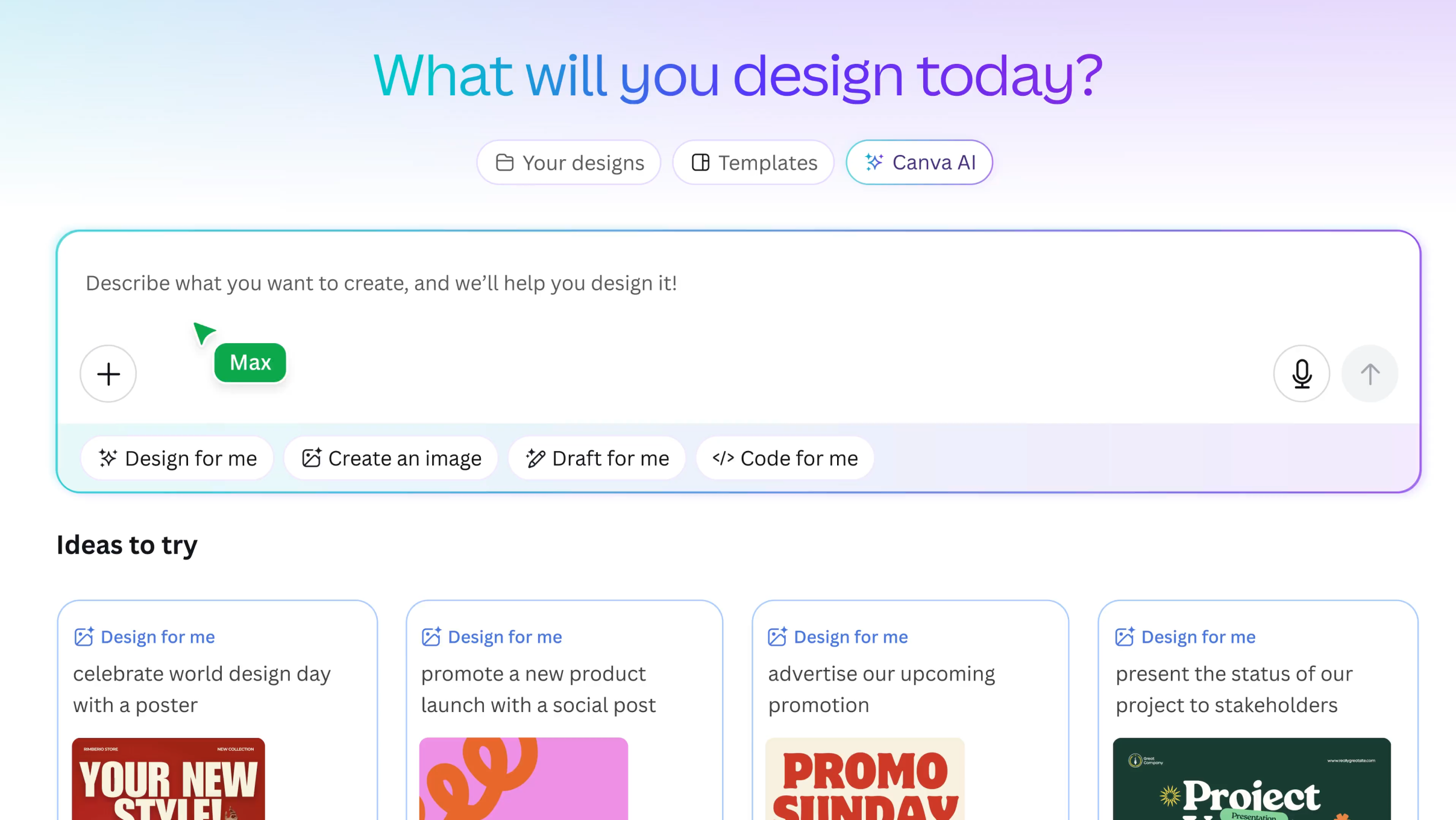


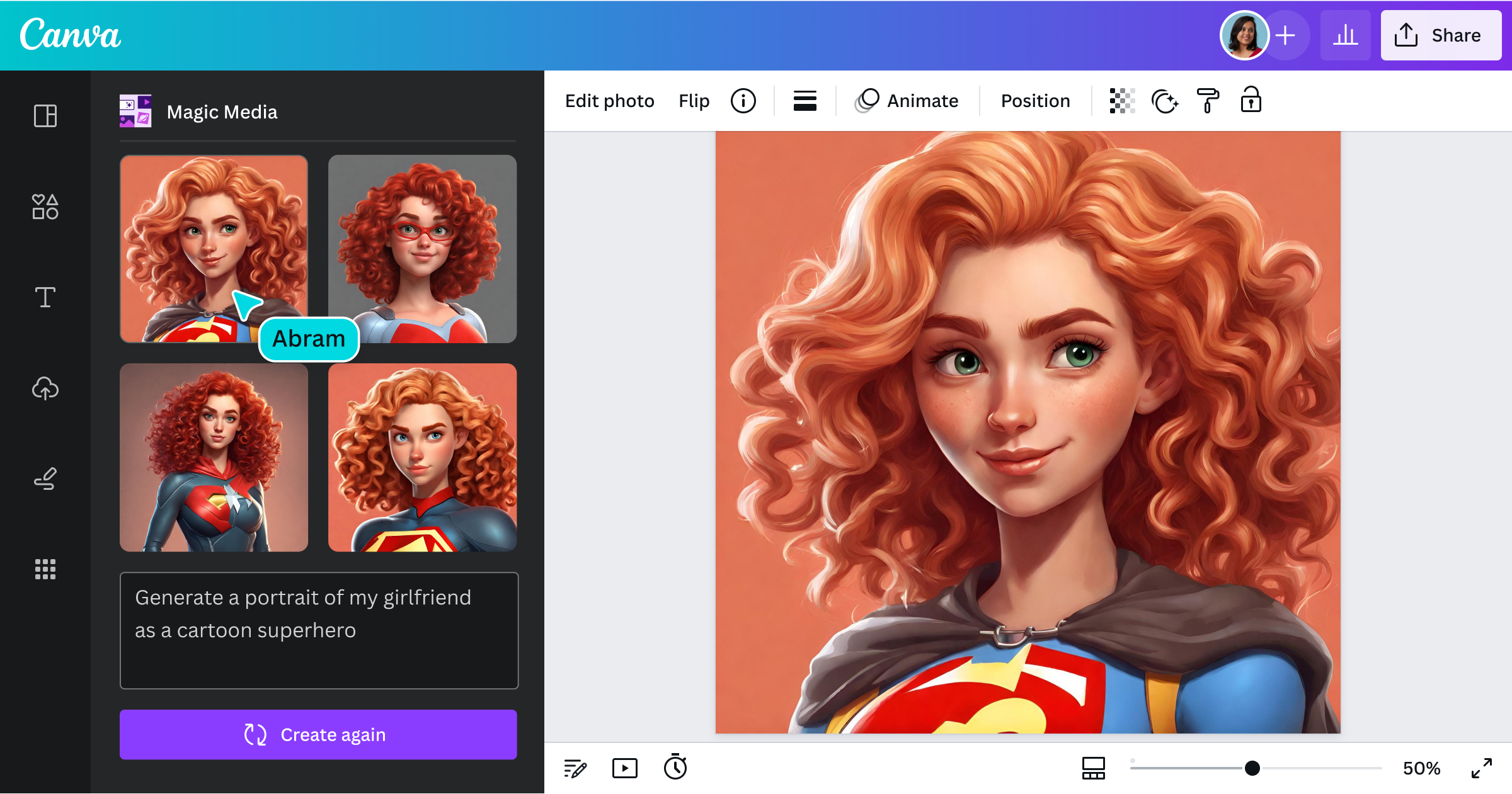
Canva has evolved into an AI-powered design engine, making professional visuals accessible to everyone.
What You Can Create:
- Social media posts and ads
- Presentations and pitch decks
- Marketing banners and posters
- AI-generated images and graphics
Why It’s Valuable:
- No design skills required
- Massive template library
- Fast content production for ads and campaigns
🎨 Especially useful for business owners running Facebook or Instagram ads.
6. Zapier – Best for Business Automation


Zapier connects different apps and automates repetitive workflows.
What It Can Automate:
- Lead capture → Google Sheets / CRM
- Form submissions → WhatsApp or email alerts
- E-commerce orders → inventory updates
- Marketing campaigns → automated follow-ups
Real Business Example:
When a lead fills out a form:
→ Automatically send WhatsApp message
→ Store lead in database
→ Notify your team
⚙️ This removes manual work and reduces human error.
7. Midjourney – Best for High-Quality AI Visuals


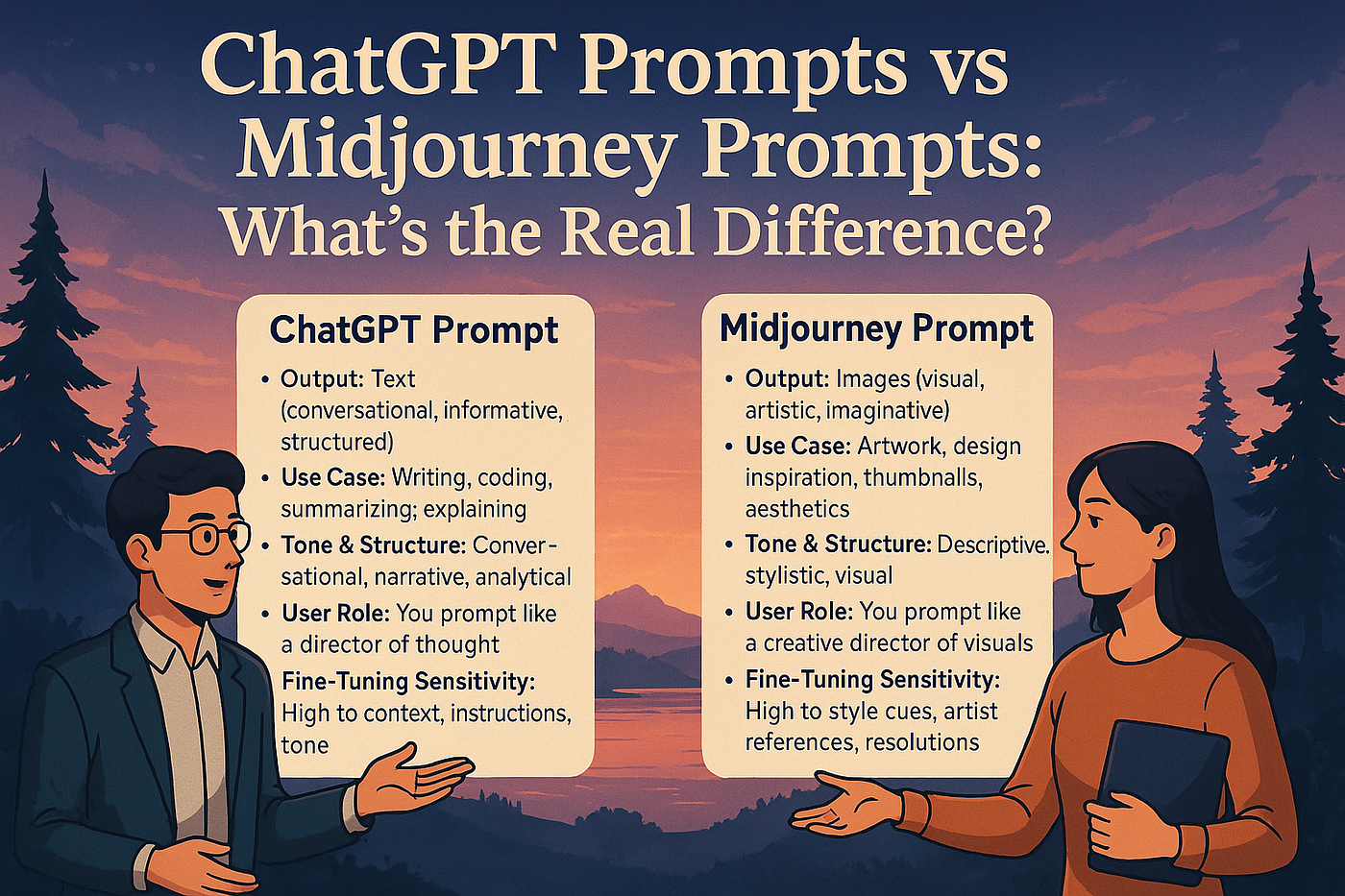
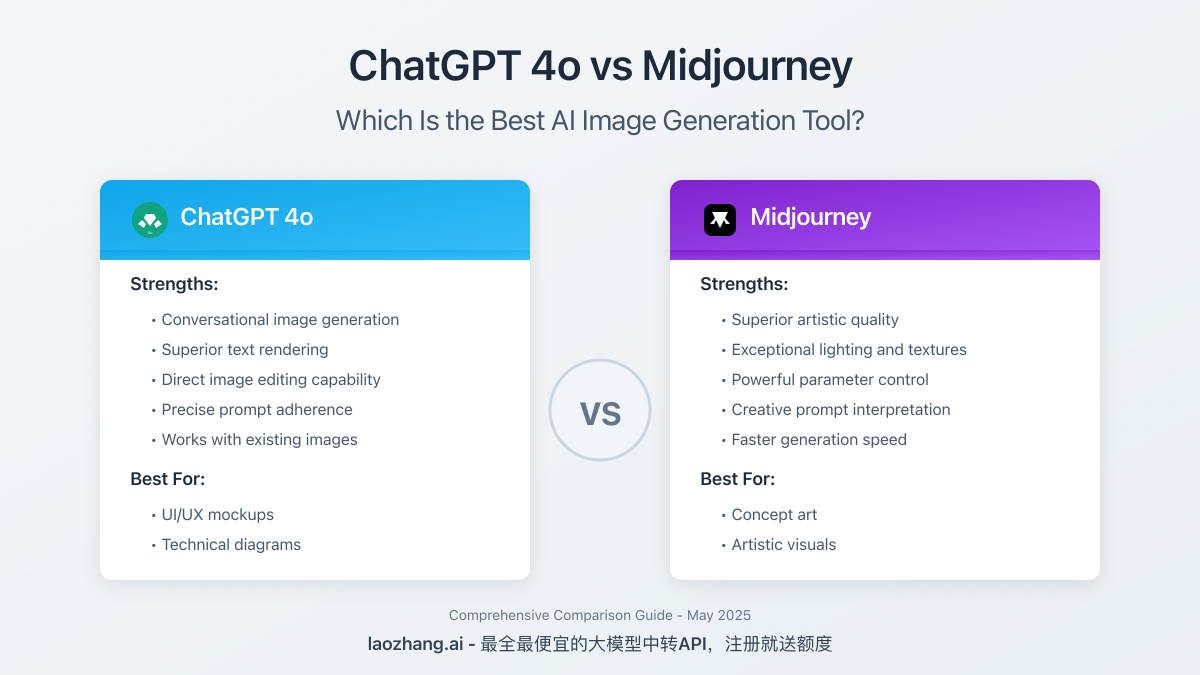
Midjourney produces some of the highest-quality AI-generated images available today.
Use Cases:
- Ad creatives
- Branding concepts
- Website visuals
- Product mockups
Why It’s Powerful:
- Unique, non-stock images
- Highly detailed outputs
- Customisable styles via prompts
🖼️ Perfect for marketers who want standout visuals without hiring designers.
How to Combine These Tools for Maximum Efficiency
Instead of using tools individually, combine them:
- Use ChatGPT → generate content
- Refine with Grammarly
- Design visuals in Canva
- Automate workflow using Zapier
- Organise everything in Notion
This creates a full AI-powered productivity system.
Where to Learn More About AI Tools
If you want deeper comparisons, tutorials, and breakdowns of the latest AI tools, you can explore sgeek.sg, where detailed reviews and real-world use cases are regularly shared for tech enthusiasts and professionals.
Final Thoughts
AI productivity tools in 2026 are not just about convenience—they are about gaining a competitive advantage.
Those who adopt and integrate these tools effectively will:
- Work faster
- Reduce workload
- Scale their output
The future belongs to those who leverage AI—not replace themselves with it.